Ordo
A desktop app for keeping track of what needs doing. Your tasks live in one file on your own computer, so there is nothing to sign up for, nothing syncing to anyone's server, and it works exactly the same with the wifi off. If you use an AI assistant, it can add and tick off tasks for you.
This application is still evolving. macOS on Apple silicon is the main development and testing environment; Windows and Linux builds are produced by CI but are less exercised. The software comes without guarantees.
Download
Architecture
The macOS build targets Apple silicon only and will not run on an Intel Mac. The Linux packages are x86_64 only. For any other architecture, build from source; the repository documents the toolchain required.
All releases, including the portable Windows executable and the Linux AppImage, are listed on the releases page.
macOS Installation
The app is not signed with an Apple Developer certificate. On first launch, macOS will block it. To open:
- Right-click the app and select Open
- Click Open in the dialog
Alternatively, go to System Settings → Privacy & Security and click "Open Anyway" next to the blocked app message. Because the build is unsigned, macOS cannot install updates automatically; the app notifies once per new version instead.
Windows Installation
Windows Defender SmartScreen may show "Windows protected your PC" or "Unknown publisher" warning. To proceed:
- Click More info
- Click Run anyway
Alternatively, right-click the installer → Properties → check Unblock → Apply, then run.
What it does
The short version: it keeps your tasks in order, on your own machine, and gets out of the way.
Projects and Statuses
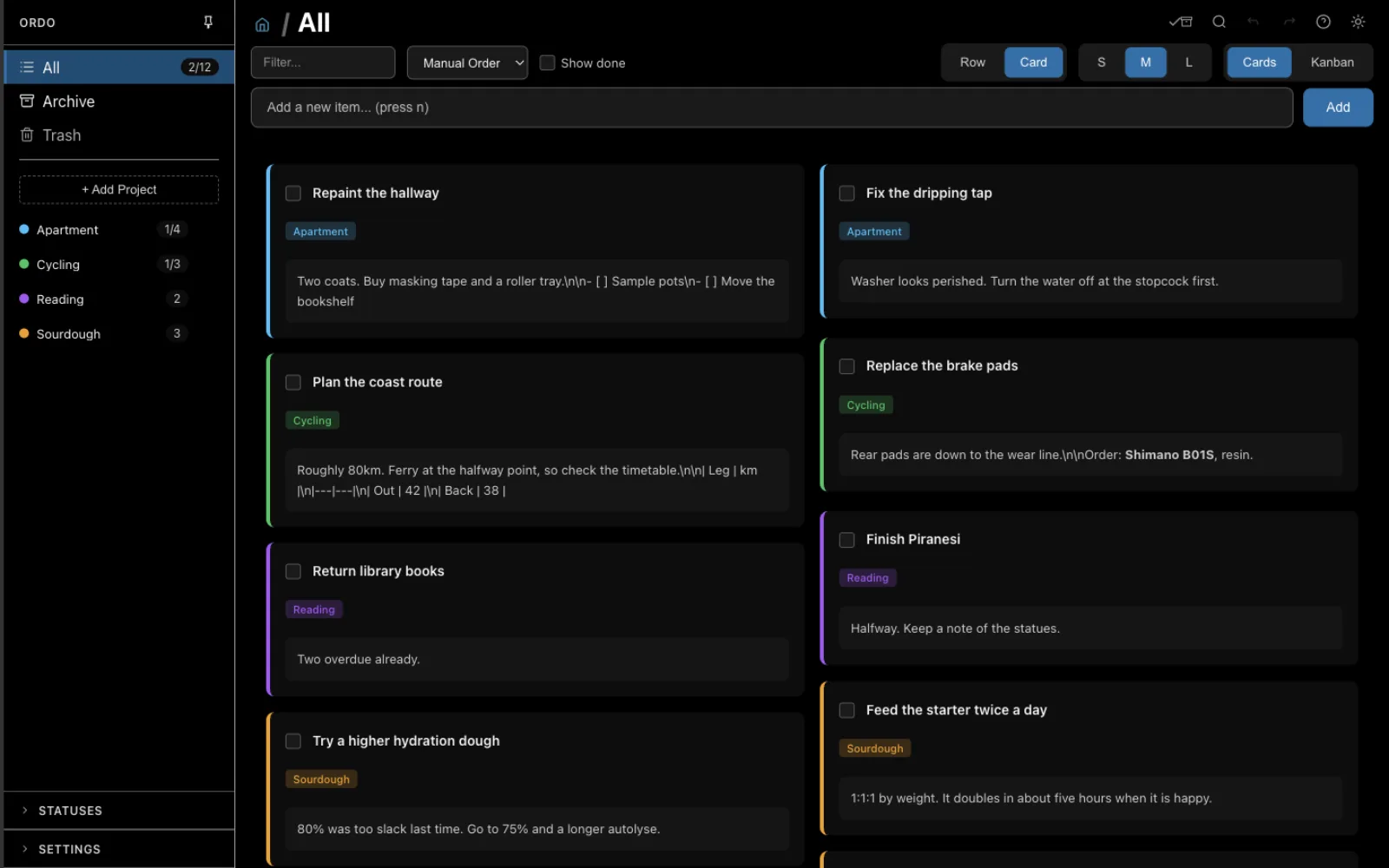
Colour-coded projects with customisable statuses, per-project topic buckets, and tags that cut across projects. A status named "Done" stays in sync with the completion checkbox in both directions.
Three Views
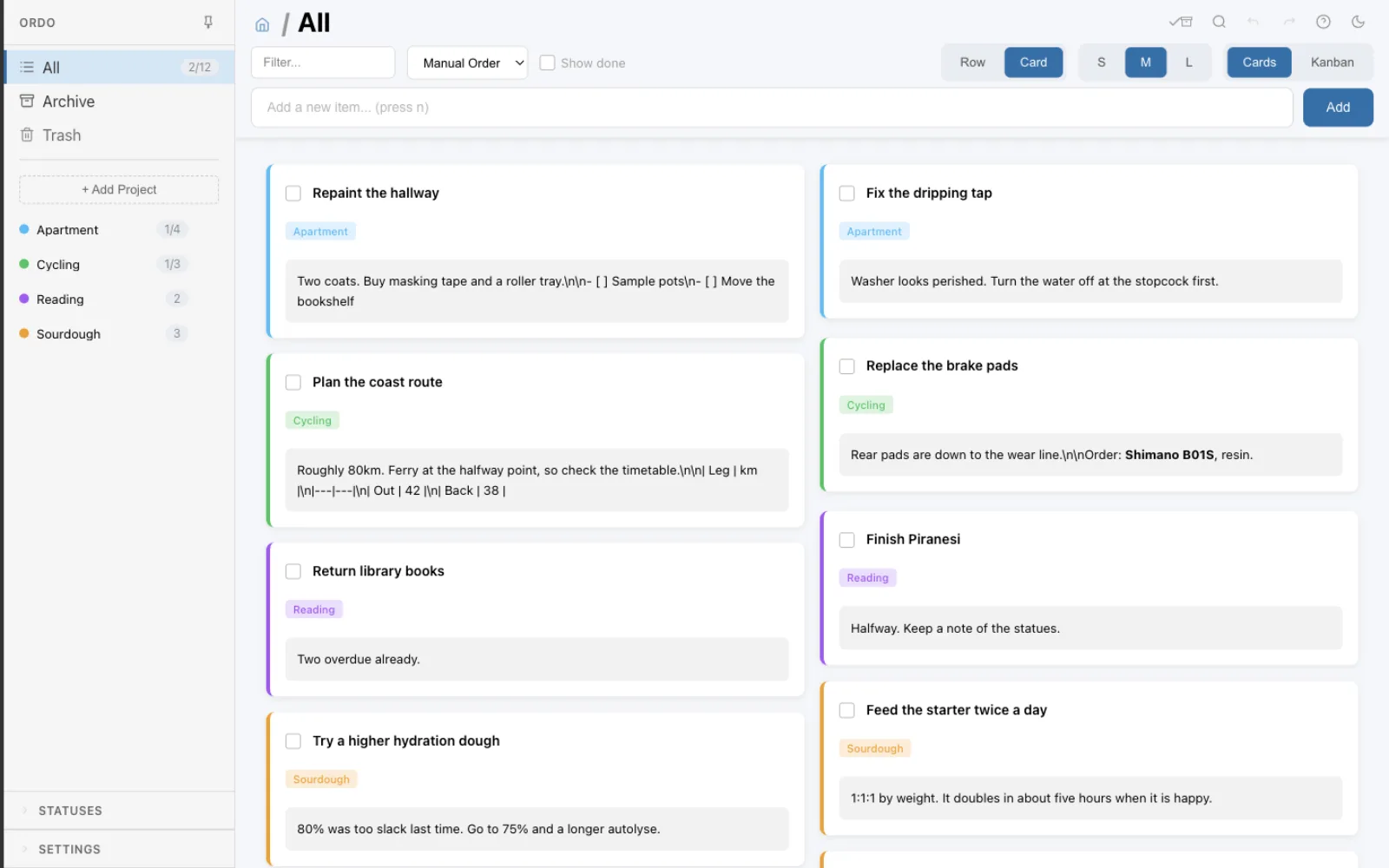
Rows, cards, and a kanban board, with drag-and-drop reordering throughout. The cards view packs to a minimum width you choose (S, M, or L), and the choice persists per machine.
Kanban Board
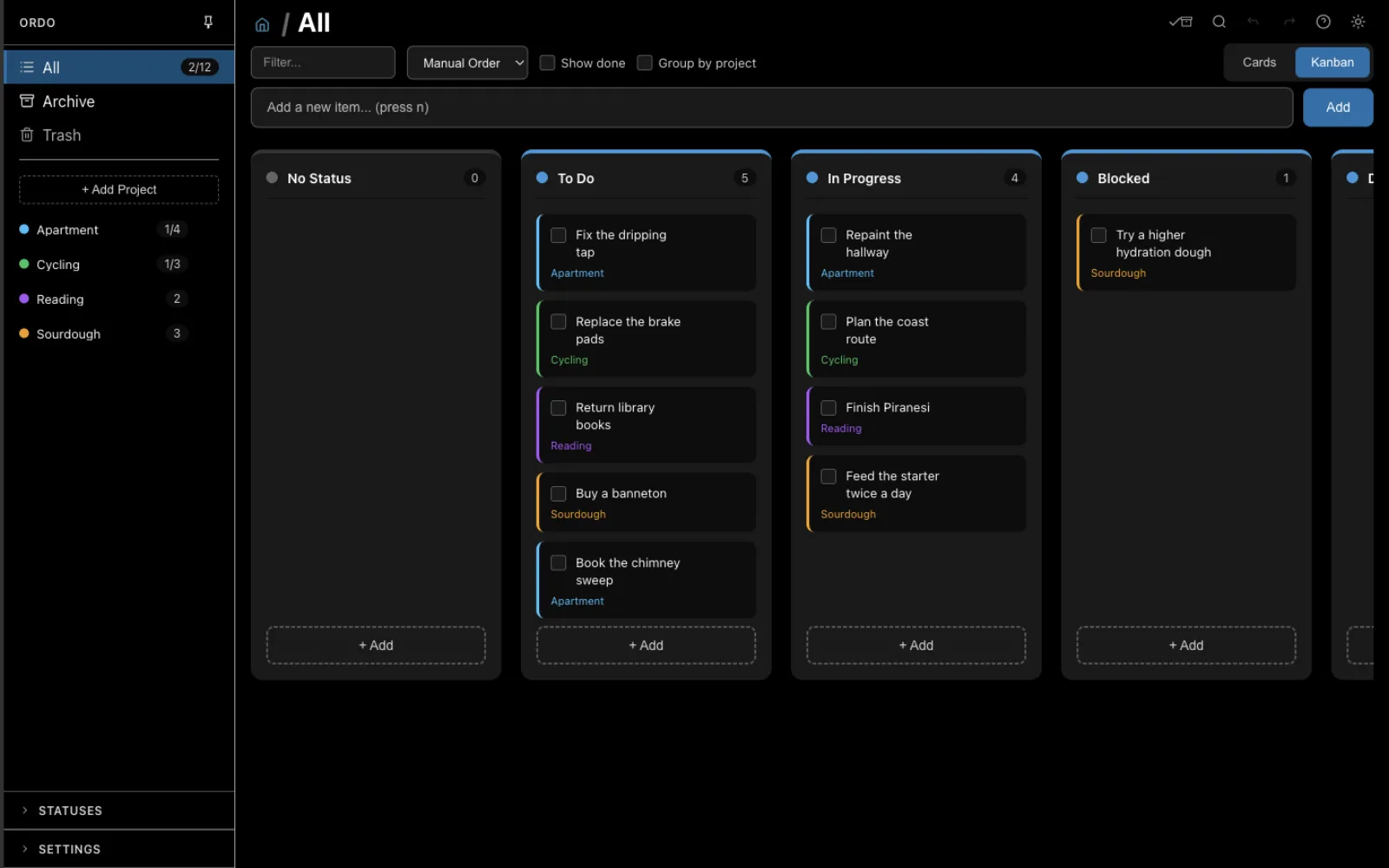
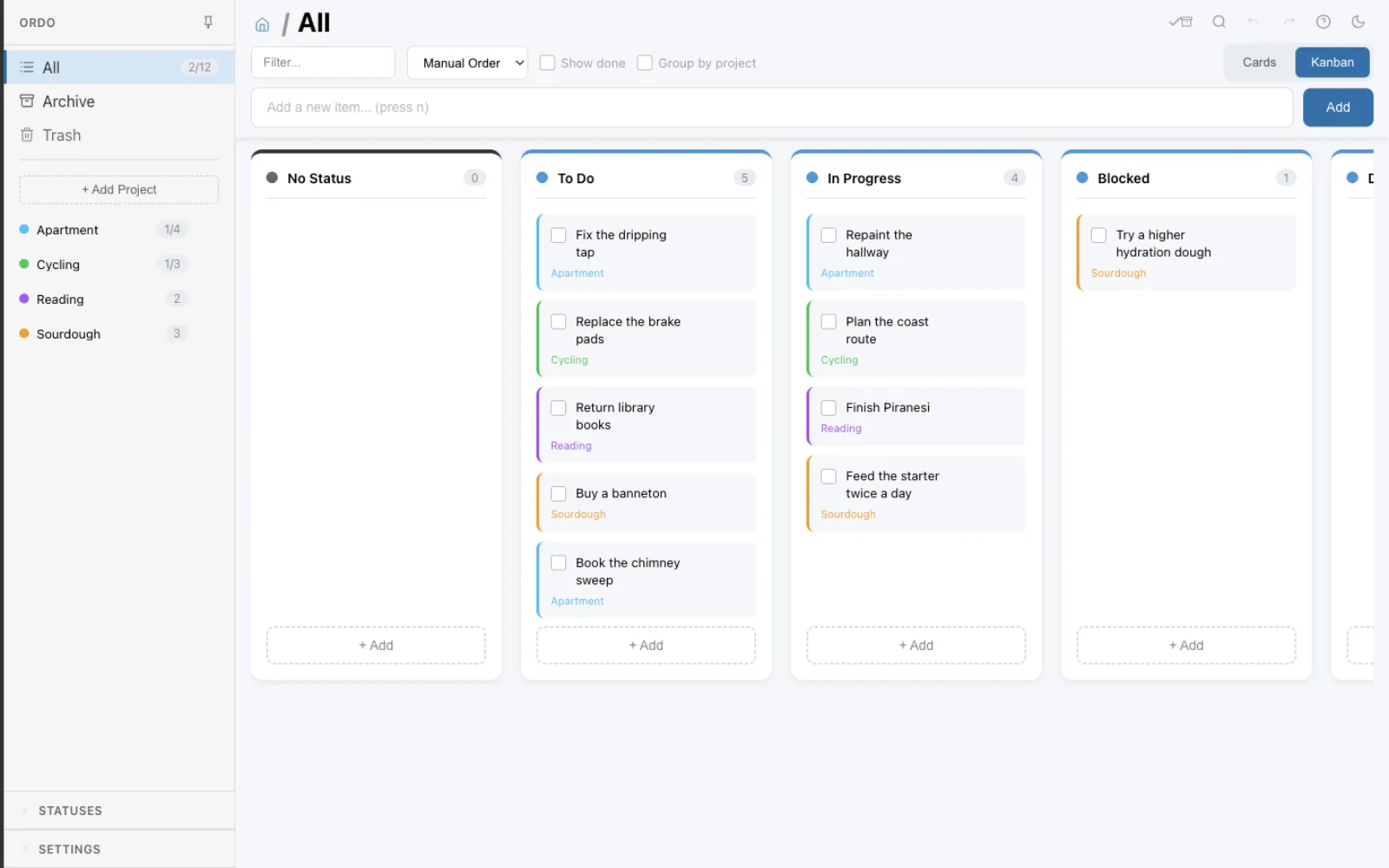
Two board layouts, selected by the sidebar and the "Group by project" toggle: columns by status within one project, or grouped rows across several. Dropping a card moves it between columns.
Markdown Notes
Notes on every todo and every project, sharing one markdown pipeline and one CodeMirror editor. Syntax highlighting and mermaid diagrams render inline. Notes can be flagged sensitive to stay hidden until revealed, which is a display flag rather than encryption.
Milestones and Dates
Hierarchical todos with milestone dates and groupings, start and end dates, recurring tasks, and an importance rating from one to five.
Nothing Is Lost
Soft delete with recovery from trash, an archive for completed work, and undo/redo across edits. JSON export and import round-trip the whole database, merging or replacing.
Works With Your AI Assistant
An assistant like Claude Code can read and write the same task list you see, so you can ask it to add or finish things and watch the app update. It talks to the file on your disk, not to a service, so nothing is uploaded and there is no key to manage.
Hard to Break
Before the app ever changes how your data is stored, it takes a backup. If it meets a file written by a newer version of itself, it stops instead of guessing. And if a database ever will not open, there is a recovery path that does not involve losing everything.
Your Data, Your Disk
One SQLite file under your user data directory, in a documented location, in a format any tool can read. No account to create, no server to trust, and no export step needed to get your data back out.
Under the hood
For the curious: how the pieces actually fit together.
Process Model
A standard Electron split: the main process owns the database and the file system, the renderer owns the Vue application, and they speak only over IPC. The renderer runs with contextIsolation on and reaches the main process through a preload bridge, and every IPC payload passes a validator before it touches SQL.
One File, Two Writers
The database runs in WAL mode with a busy timeout, so the app and the MCP server can hold it open at the same time. The main process watches the user data directory and pushes a debounced refresh to the renderer when the file changes underneath it, which is how a task added by an assistant shows up without a restart.
Schema Versioning
The schema version lives in the file itself, as PRAGMA user_version. Migrations run forward and take a timestamped backup first. A file from a future version is refused outright rather than opened and silently mangled, which is the failure mode that actually loses data.
Undo as a Stack
Undo is not a database rollback. Each mutating operation registers an explicit undo and redo pair with an action history, so reversing an edit replays a known inverse rather than restoring a snapshot. Operations that should not be undoable simply skip registration.
The Native Module Problem
better-sqlite3 is compiled C++, and its binary has to match the ABI of whatever runtime loads it. Electron and Node are not the same ABI, so the app and the test runner need different builds of the same module. The npm scripts rebuild it for the right target on the way in, and the MCP server keeps its own copy for system Node.
Six Tools Over MCP
The server exposes list_projects, list_todos, add_todo, update_todo, complete_todo and search_todos, operating on the same SQLite file the app has open. It is a separate process with no window, launched by whatever assistant is configured to use it.
Screenshots