Nodus
Nodus puts your notes on a canvas and keeps them as ordinary Markdown files on your disk. The same folder opens in Obsidian or any text editor; Nodus adds where each note sits, what connects to what, and the reading order through it.
This application is still evolving. macOS is the main development and testing environment. Windows and Linux support is secondary and may be less polished. The software comes without guarantees. If you encounter issues or have ideas, feedback is welcome.
Download
macOS Installation
The app is not signed with an Apple Developer certificate. On first launch, macOS will block it. To open:
- Right-click the app and select Open
- Click Open in the dialog
Alternatively, go to System Settings → Privacy & Security and click "Open Anyway" next to the blocked app message.
Windows Installation
Windows Defender SmartScreen may show "Windows protected your PC" or "Unknown publisher" warning. To proceed:
- Click More info
- Click Run anyway
Alternatively, right-click the installer → Properties → check Unblock → Apply, then run.
What it does
The short version, before the architecture.
One Canvas
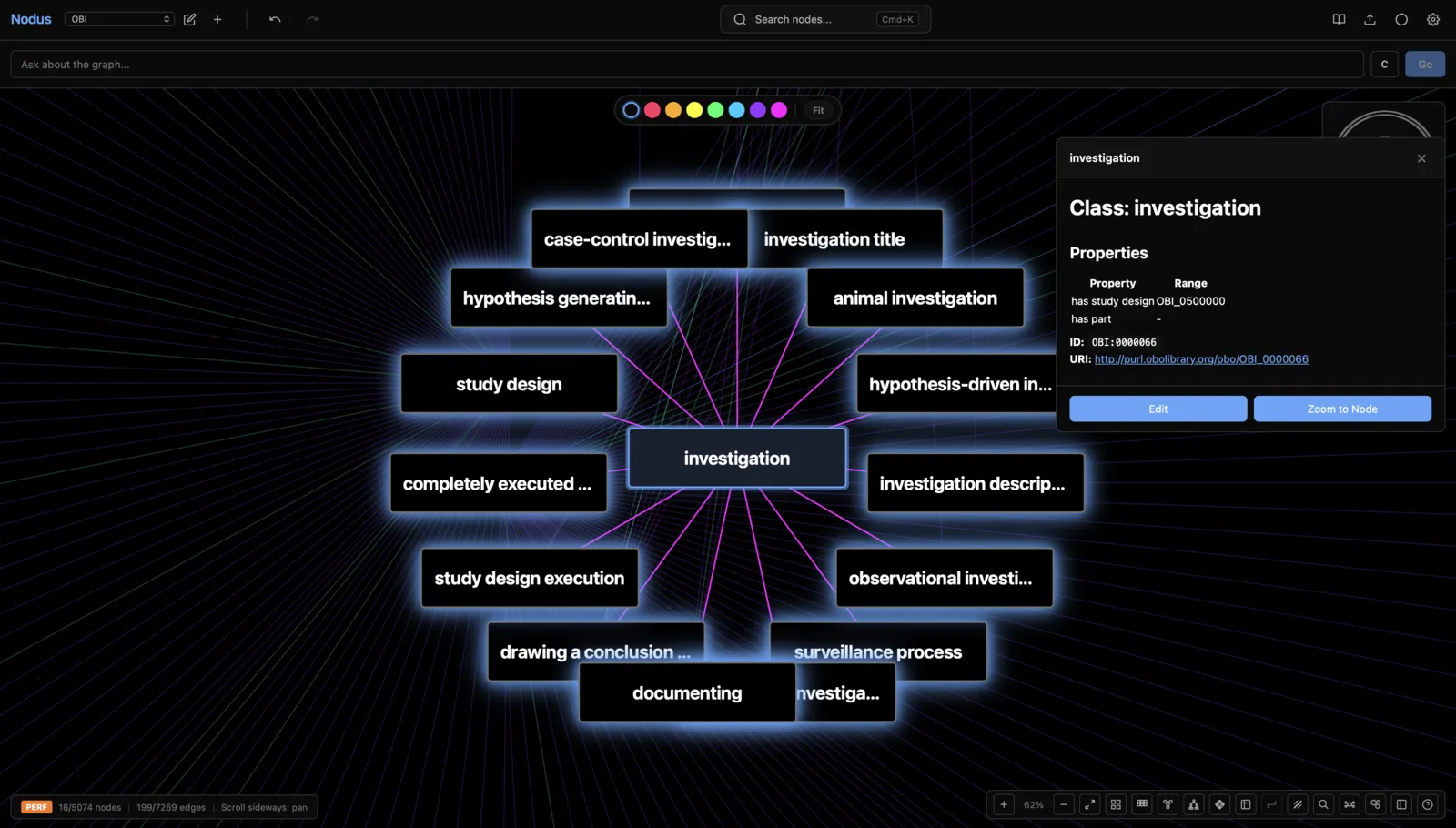
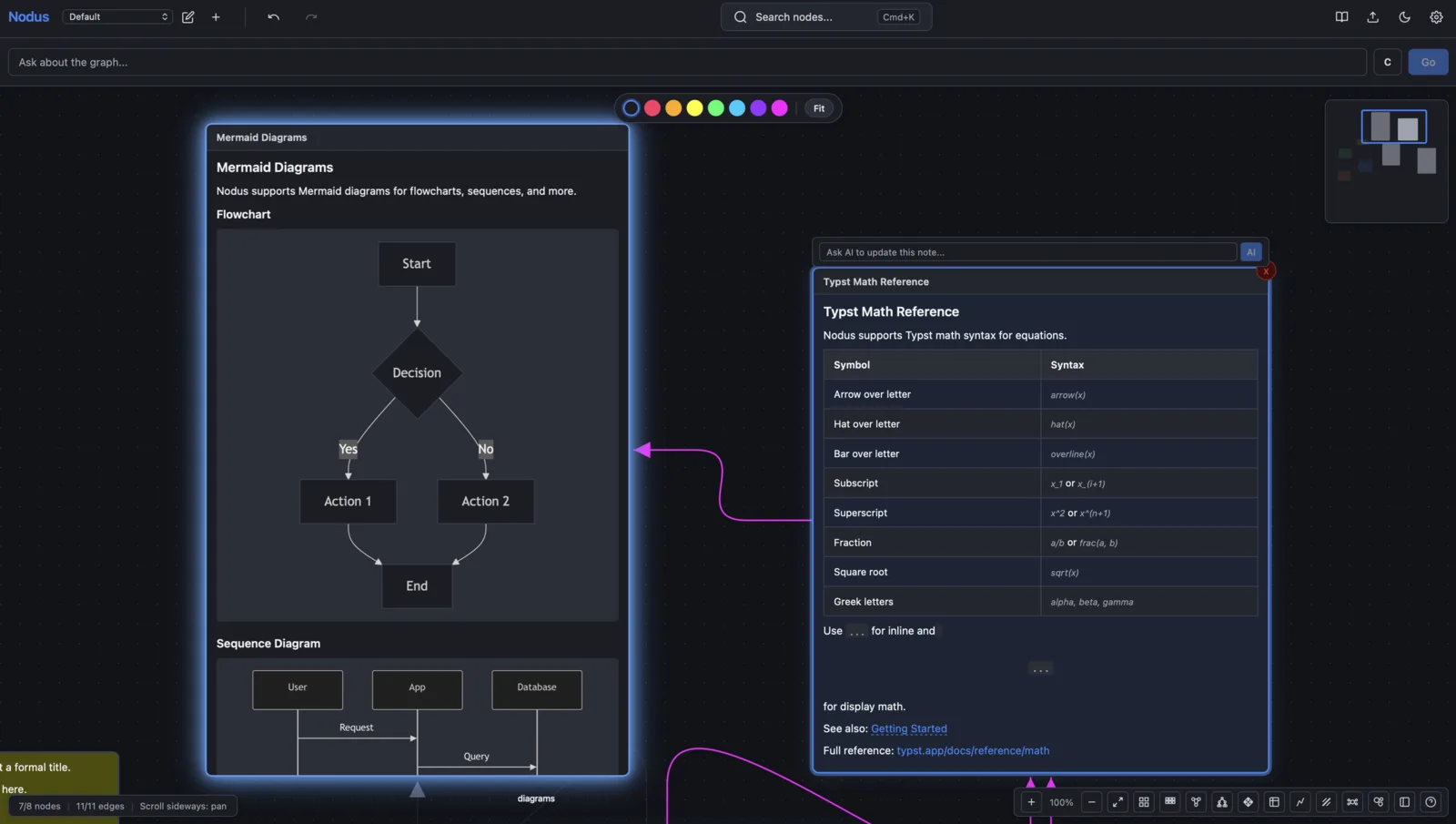
The document and the whiteboard are the same surface. Notes are editable where they sit, and you arrange them by moving them around.
Your Files
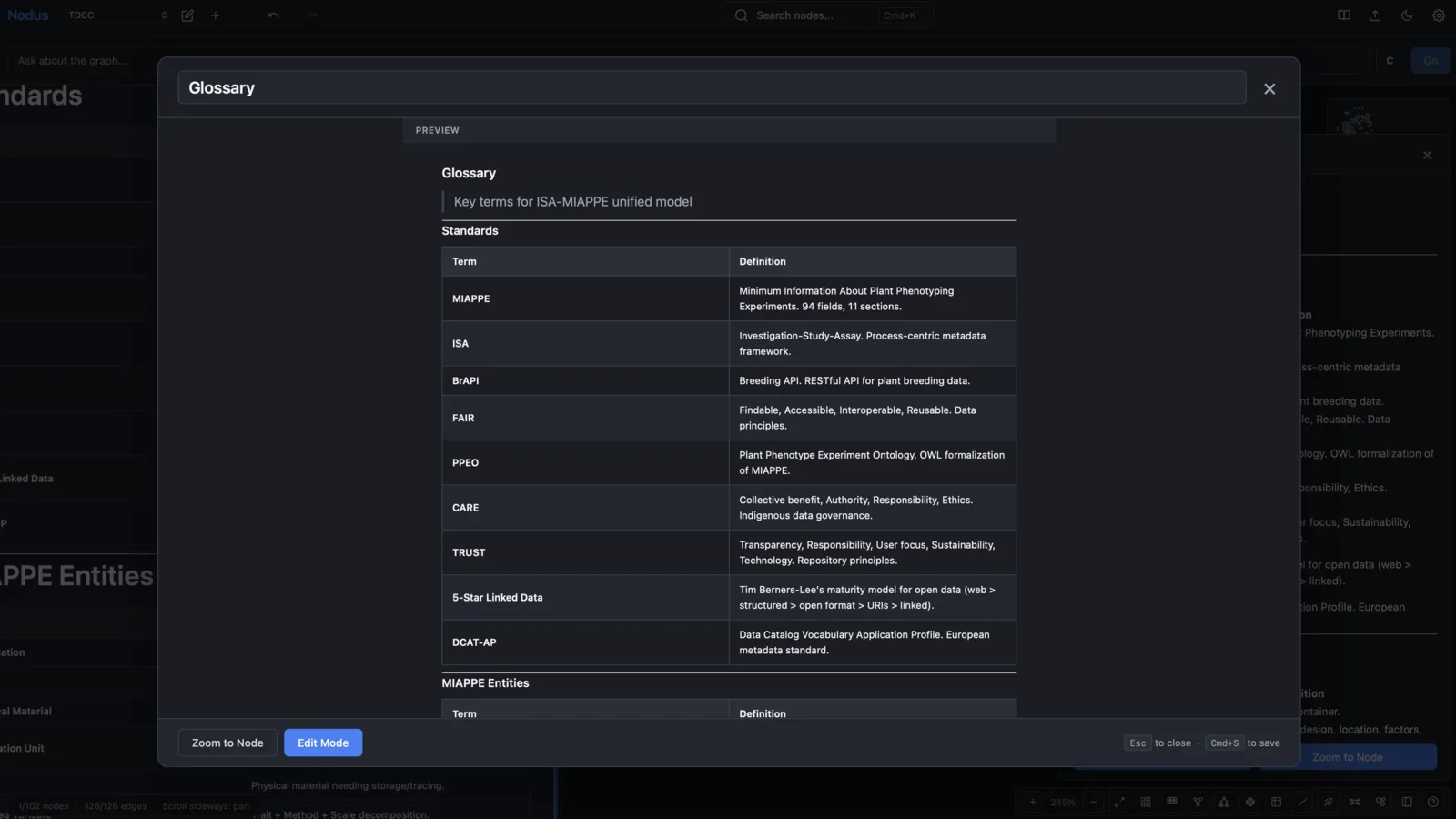
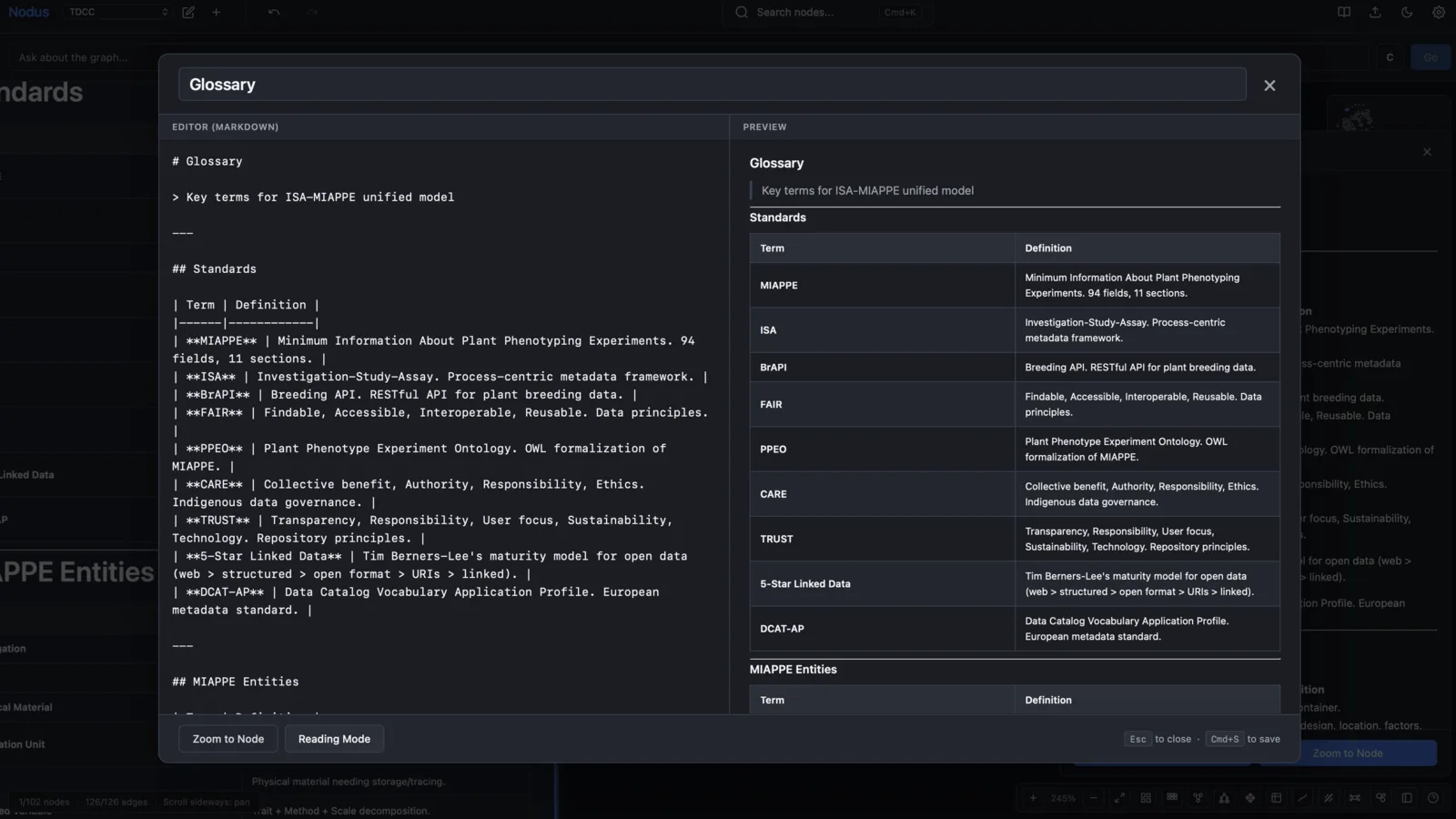
Notes are Markdown in a folder you choose. Edits you make outside Nodus are picked up; edits made inside are written back. Nothing is locked in a format only this app can read.
Drop In a Paper
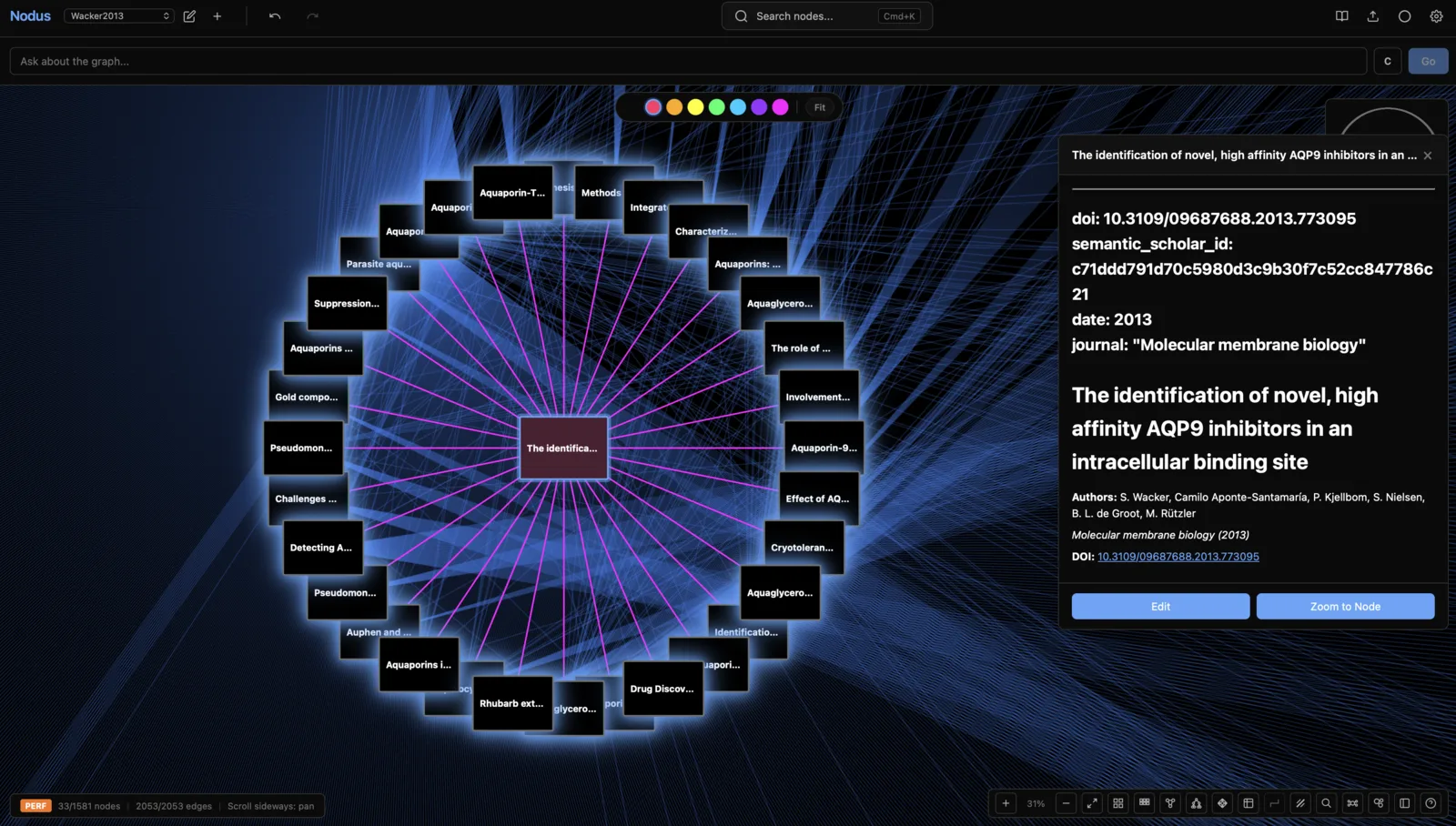
A dropped PDF can become a single note or a graph of them: sections following the document outline, bibliography entries as citation notes, each reference checked against Semantic Scholar. A reference the service cannot be asked about is reported as unchecked rather than quietly marked missing.
Highlights Become Notes
Highlights in a dropped PDF turn into notes of their own, coloured to match and linked back to the document they came from.
Storylines
Pick a subset of notes, put them in an order, and read them as one continuous document. Export the result as a PDF or as Typst source.
Maths Without a Toolchain
Mathematical notation renders through Typst, compiled to run in the app itself, so there is no LaTeX installation to maintain.
Citations
Sync a Zotero library or import BibTeX, and citations become part of the graph rather than a separate list.
Language Models, On Your Terms
Use a local model through Ollama or a cloud provider. The model works through the same tools you do, and asks before it changes the graph. Other AI tools can read and edit the graph over the Model Context Protocol.
Local Only
No account and no sync service. The data is on your disk, and the app works with the network off.
Architecture Patterns
For the curious: how the pieces actually fit together.
Edge Compute via WASM
Typst rendering compiled to WebAssembly for sub-second math compilation entirely on-device. Zero server round-trips for typesetting operations.
Files First, Index Second
The notes themselves are Markdown files with a YAML frontmatter block, in a folder you choose. A SQLite index built with sqlx sits alongside them for search and graph queries, and is derived from the files rather than being the source of truth.
Client-Side State Sync
Bi-directional Obsidian vault synchronization without cloud infrastructure. File system watchers trigger incremental updates preserving edit history.
Force-Directed Layout
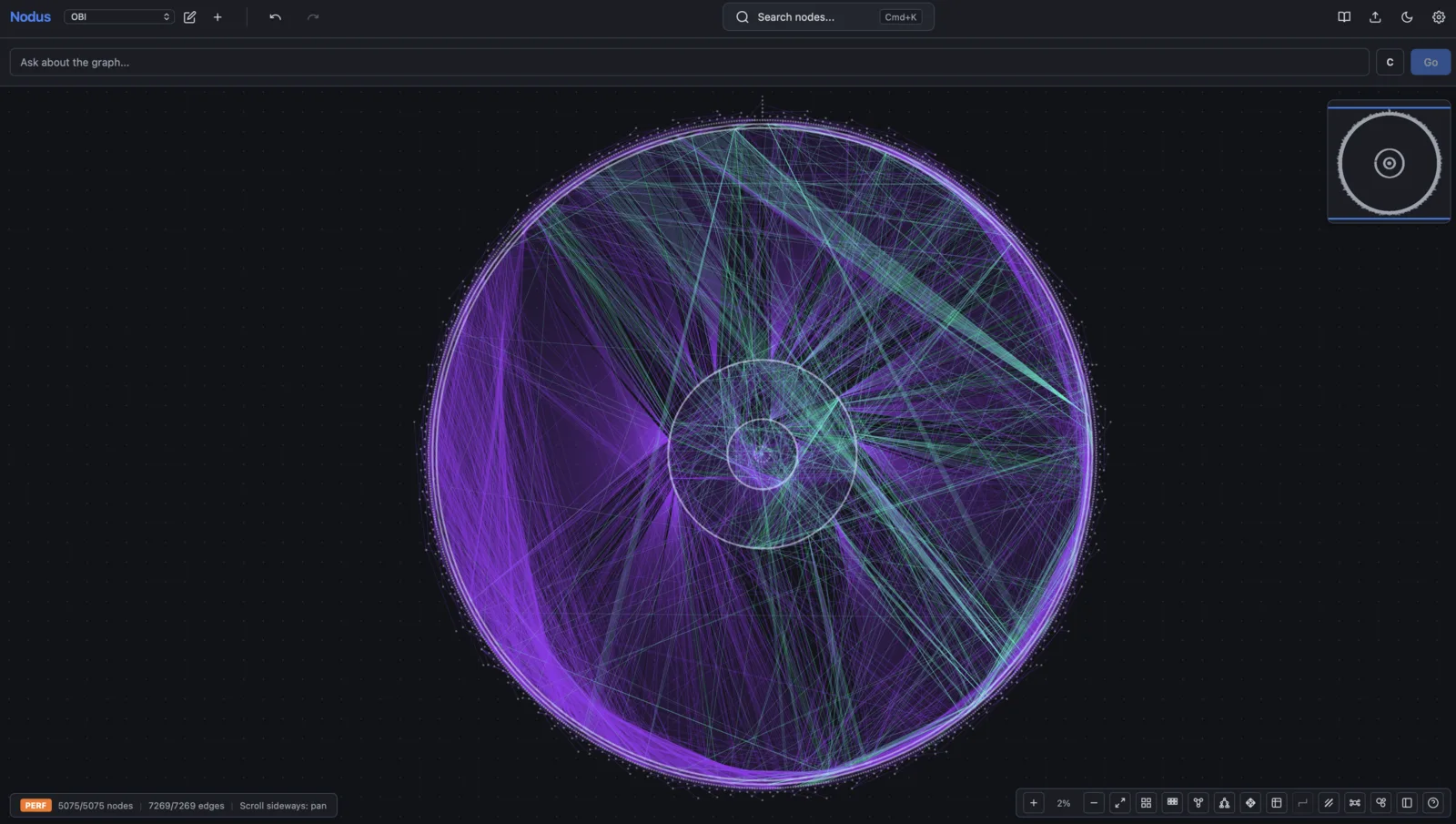
Graph positions are solved with d3-force in the client. Layout, search and rendering all run on the machine, so the canvas keeps working with no network at all.
Native Shell Architecture
Tauri v2 provides native OS integration with Rust backend. Smaller binary size and lower memory footprint than Electron-based alternatives.
Optional AI Integration
Pluggable LLM support via Ollama (local) or cloud providers. Architecture supports on-device inference for air-gapped environments.
Semantic Data Model
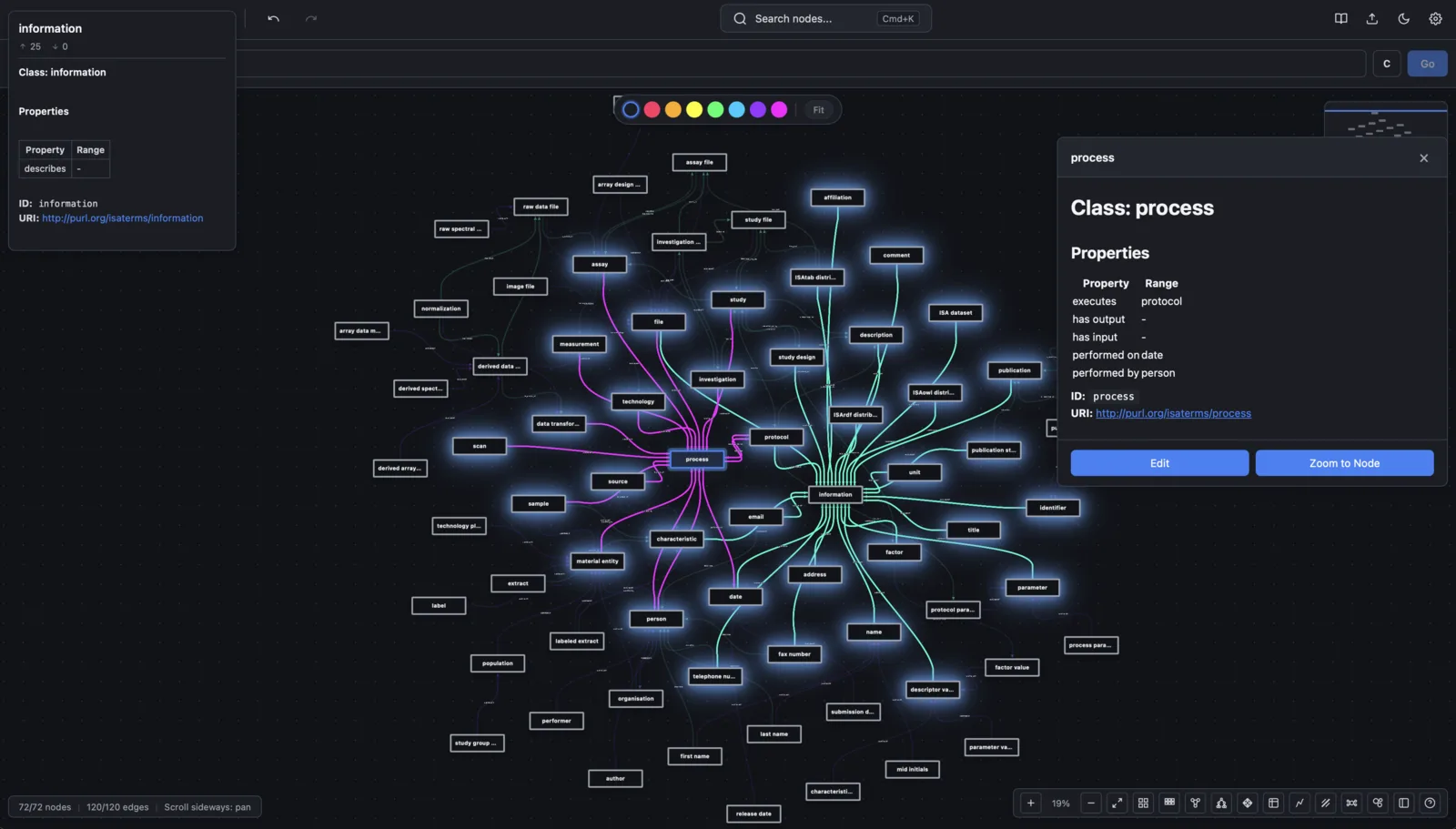
Notes, citations, tags, and file nodes with typed edges (related, cites, supports, contradicts). Ontology import for domain-specific hierarchies.
Document Export Pipeline
Storylines create linear document sequences through the knowledge graph. Export to markdown preserving structure and relationships.
Reference Integration
Zotero sync and BibTeX import with DOI resolution. Citation nodes link to source materials with automatic metadata extraction.
Data Sovereignty
All data stored locally. No cloud accounts required. Full data portability with standard file formats (Markdown, JSON, BibTeX).
Screenshots